
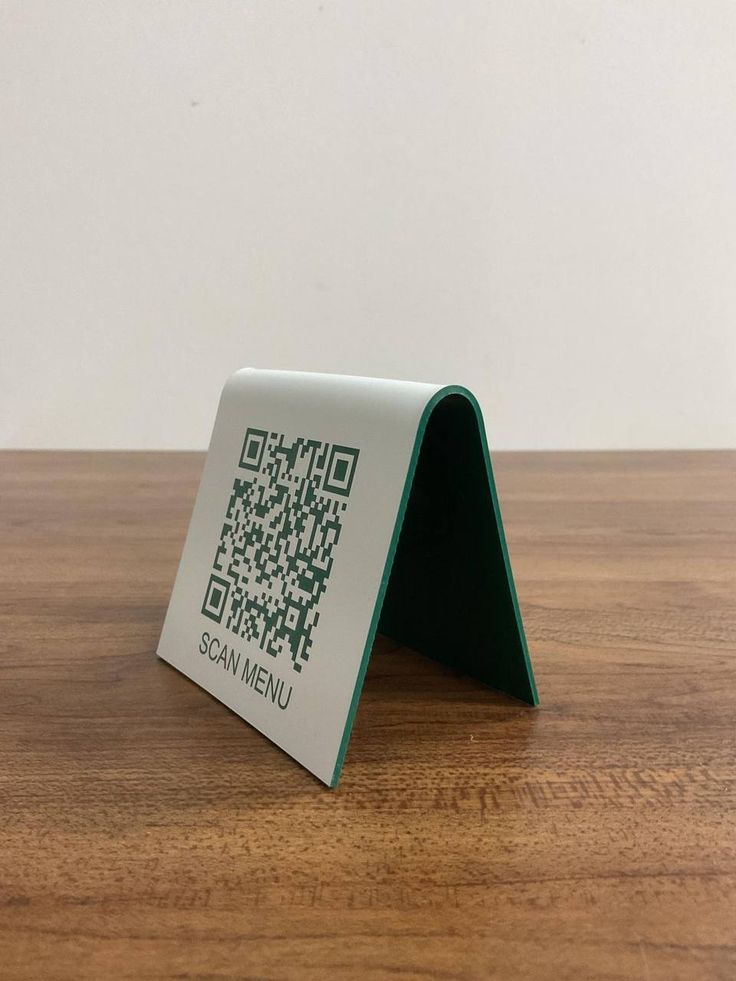
If you run a restaurant, café, store, or any customer-facing business in Nigeria, you already know handling operations is not an easy task. From payment to orders to stock to staff confusion to customers asking questions and lots more, Tab by QorePay was built for this exact reality.
We are not just trying to build another payment tool but a system that helps businesses handle operations and stay organized without stress.
So, what exactly is Tab by QorePay?
Tab by QorePay is a digital payment and business management solution that allows businesses to:
- Accept payments easily (Scan QR code)
- Display menus or product lists digitally
- Track orders, stock, and revenue
- Manage multiple branches from one dashboard
It’s designed for businesses that are tired of doing too much manually and just want things to work.
Why this matters for business owners
Most business owners need something that:
- Reduces confusion
- Saves time
- Helps them see what’s happening in their business without asking ten questions
That’s the real advantage of Tab by QorePay.
How Tab by QorePay works
Let’s say you own a restaurant or café.
Instead of printing menus, collecting cash, confirming transfers, or shouting orders across the counter, customers can:
- Scan your QR code
- View your menu or products
- Select what they want
- Pay immediately
- Get their order processed instantly
On your end, you see everything clearly: what was ordered, how much was paid, and what needs to be prepared or delivered.
What features does Tab by QorePay have and how does it help businesses?
1. Dashboard: See the full picture of your business
This is where everything starts.
The Tab dashboard gives you a clear overview of your business performance, sales, orders, and activity—all in one place.
If you have multiple branches or outlets, you can add them under one account and track each one separately without switching apps or accounts.
So whether you’re checking how your Lekki branch is doing versus your Yaba location or reviewing sales after a busy weekend, the information is right there.
2. Categories: Keep things structured
Categories help you organize your offerings properly.
You can create categories like
- Food
- Drinks
- Transport
- Services
- Accessories
This makes your menu or product list easier for customers to navigate and easier for you to manage. When your business grows, this structure saves you time and avoids confusion.
3. Products: Prices, variations, and stock awareness
This is where you list everything you sell.
Each product can have:
- A price
- A description
- Stock visibility
The system helps you see when items are running low, so you don’t keep selling what you no longer have. This is especially useful during busy hours when stock finishes faster than expected.
4. Catalog: Your digital menu or storefront
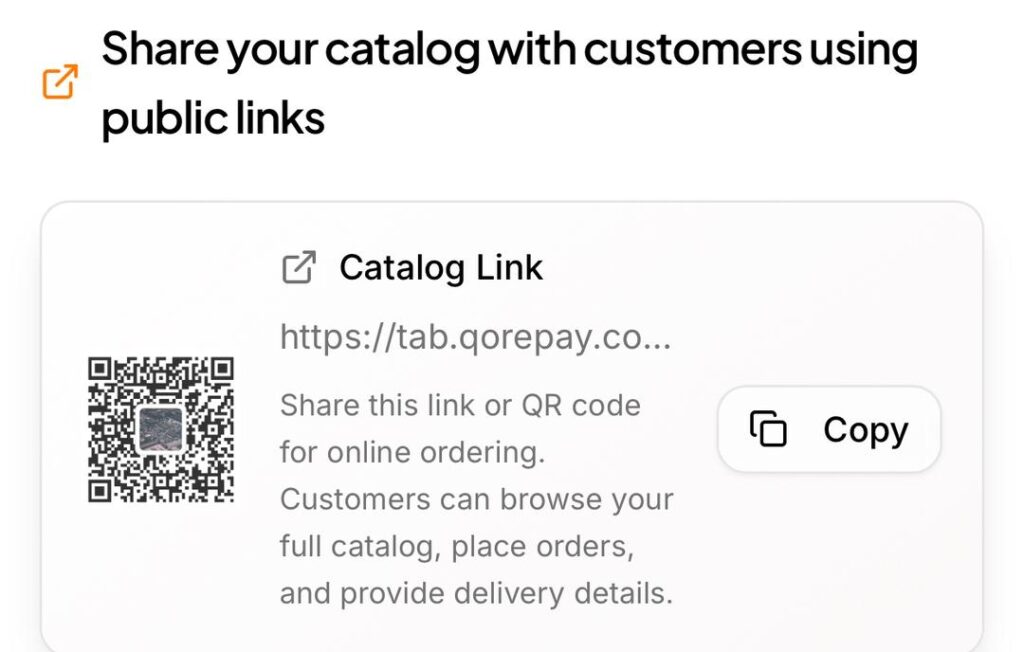
The catalog shows all your products in one clean view.
You can share this catalog directly with customers so they can:
- Browse your offerings
- Add items to cart
- Place orders without standing in line or asking questions
This works for dine-in, takeaway, delivery, or even online orders.
5. QR Code: Scan, view, order, pay
This is one of the most practical parts of Qorepay.
Customers scan your QR code to:
- View your menu or products
- Place orders
- Pay instantly
You can also create custom menus for special occasions like birthdays, private dinners, events, or parties, instead of using your regular menu.
6. Orders: Clear details
When a customer places an order, you receive:
- What they ordered
- Their delivery or pickup details
- Payment confirmation
You also get notified immediately, so nothing slips through the cracks. This helps businesses stay organized, especially during peak hours.
7. Wallet: Track your money easily
The wallet shows you:
- How much money you’ve received
- Payment history
- Transaction tracking
Instead of checking multiple bank alerts or trying to reconcile numbers at the end of the day, everything is already recorded in one place.
8. Notifications: Stay in the loop
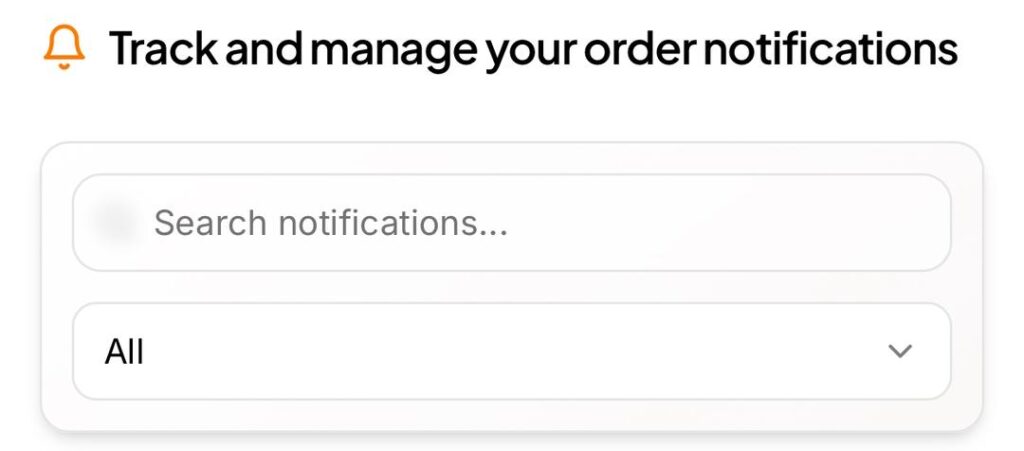
Qorepay sends notifications whenever:
- An order is placed
- A payment is completed
- There’s activity you need to act on
You don’t have to keep refreshing or checking manually. The system nudges you when something matters.
9. Pay and split: Make group payments easy
This feature is especially useful for restaurants and lounges.
Customers can:
- Pay the full amount
- Split bills equally
- Split by individual items
- Add tips
With this feature, everyone pays their part, and you still get your money smoothly.
Who Tab by QorePay is best for
- Restaurant and café owners
- Small and medium-sized business owners
- Businesses with multiple branches
- Vendors who want faster, cleaner payments
- Any business tired of manual processes
In conclusion,
Tab by QorePay focuses on clarity, speed, and control.
If you want your business to run more smoothly, give customers a better experience, and reduce daily stress, this is one tool that genuinely makes sense. Sometimes, the best upgrade isn’t doing more; it’s doing things smarter.
To navigate and explore Lagos more, click here.